01 · ImportImport jobs and assets in bulk
Upload a spreadsheet of jobs or assets, map the columns, test, then import. Problems are caught before anything is created.
- Whole job lists and asset lists from Excel
- Map spreadsheet columns to job and asset fields
- Duplicates and missing dates are caught first
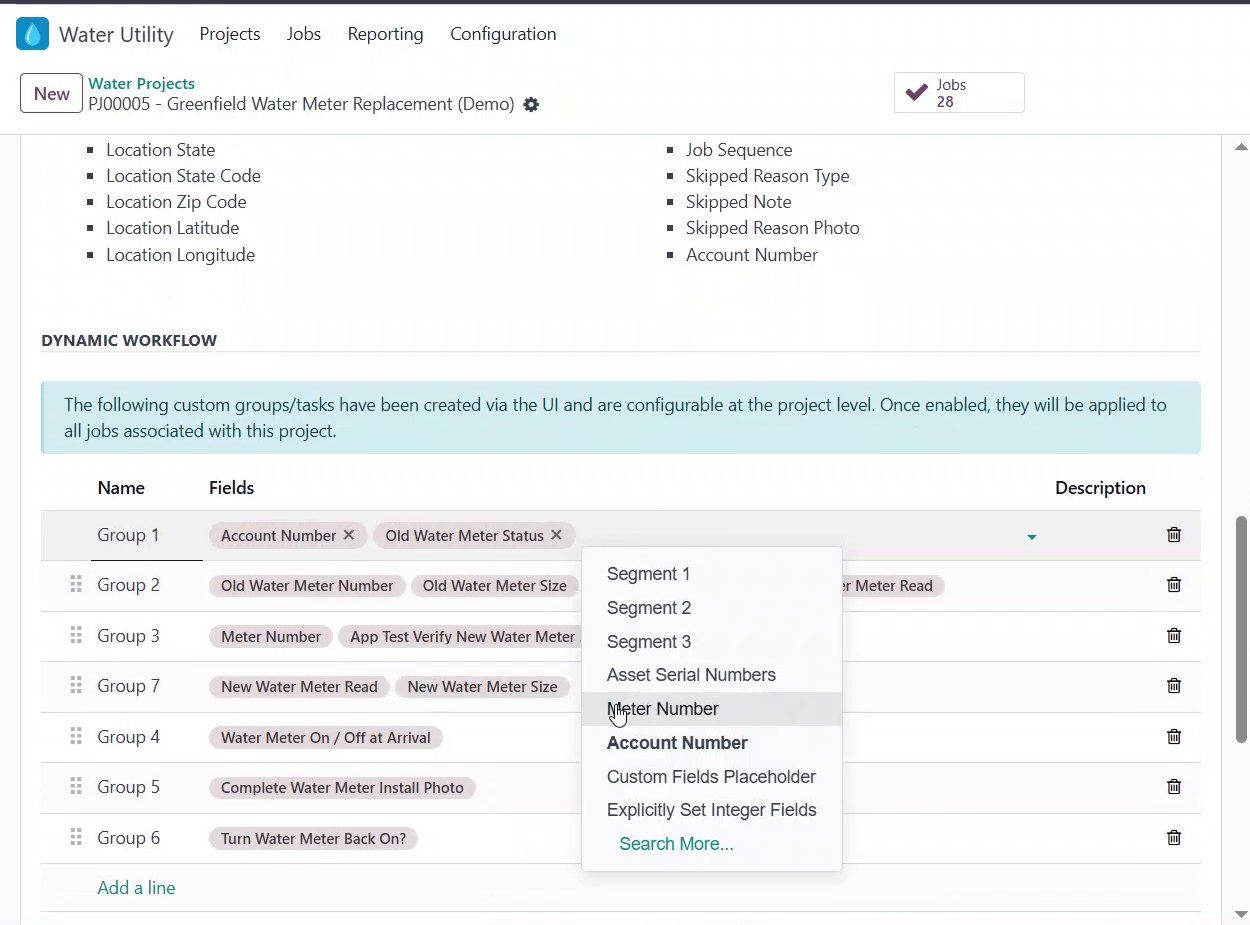
02 · ConfigureBuild the form crews follow
Group job fields into steps. The app shows them in that order, only for this project.
- Groups such as Old meter, New meter or Safety checklist
- Pick the fields for each group from a list
- Reorder groups by drag and drop
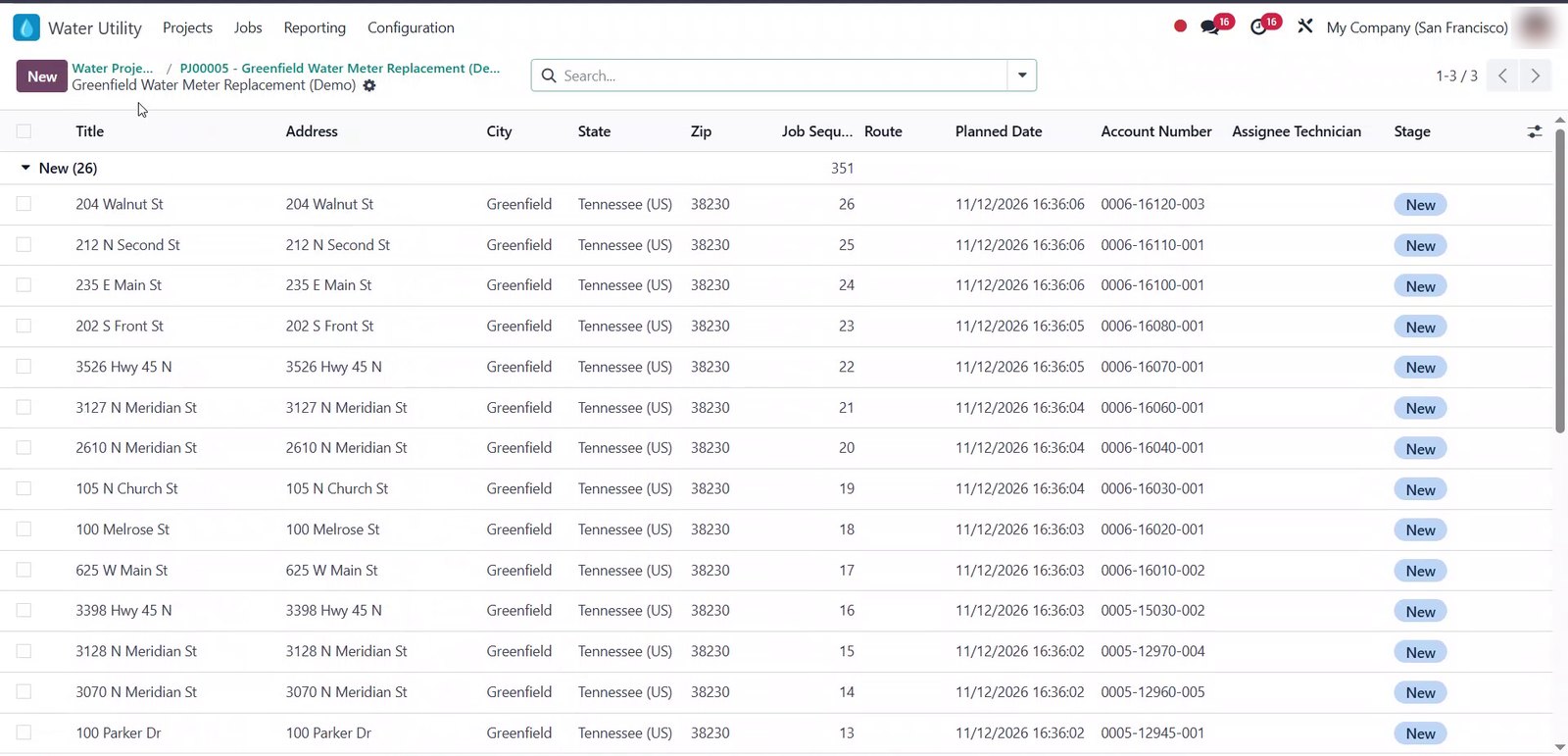
03 · DispatchAssign many jobs at once
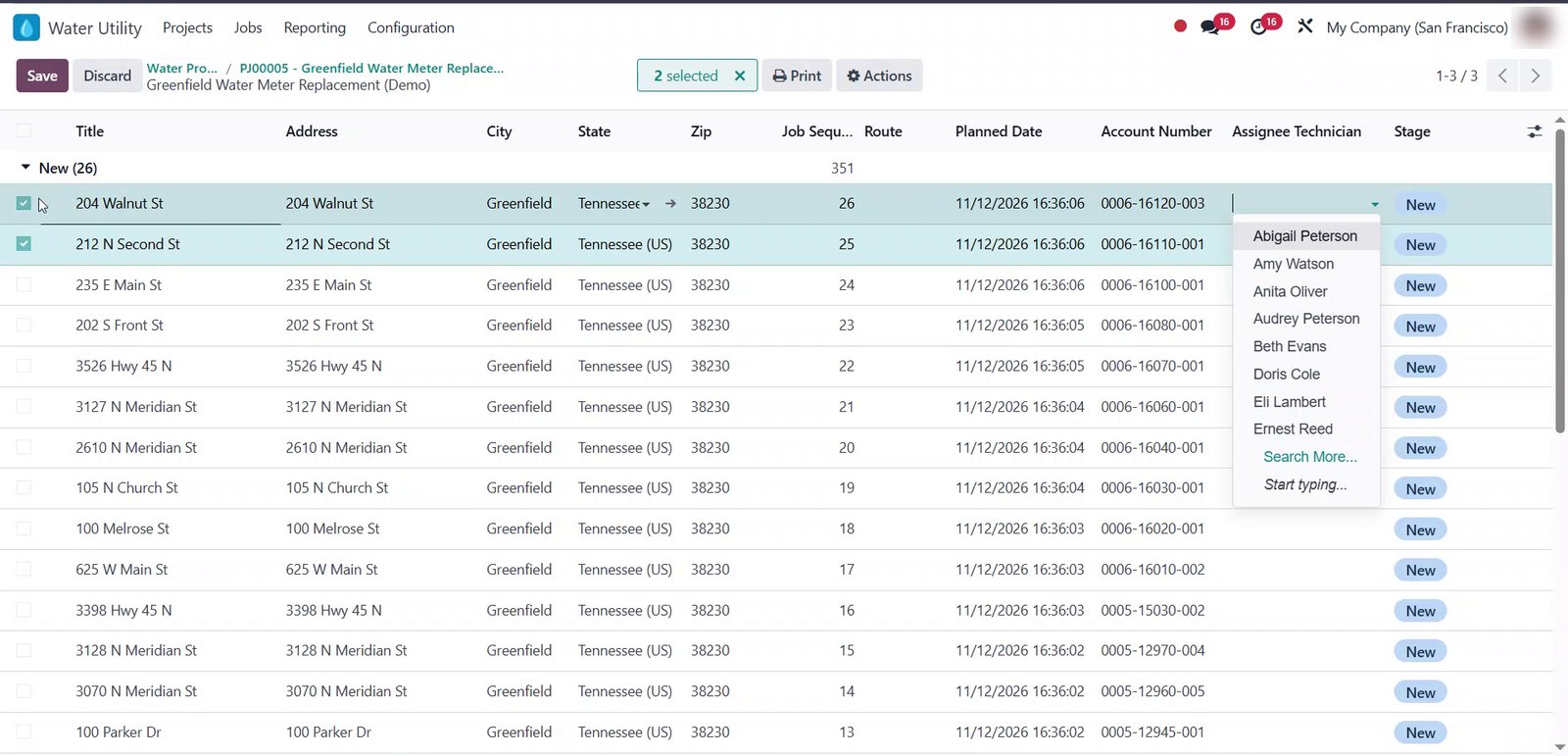
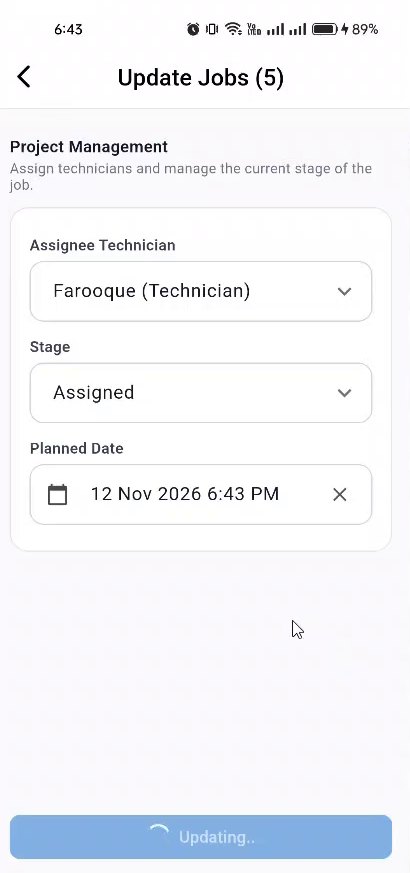
Select jobs in the list and set the technician, stage or planned date for all of them.
- Multi-select in the job list
- Technician, stage and planned date in one go
- The same from the manager app
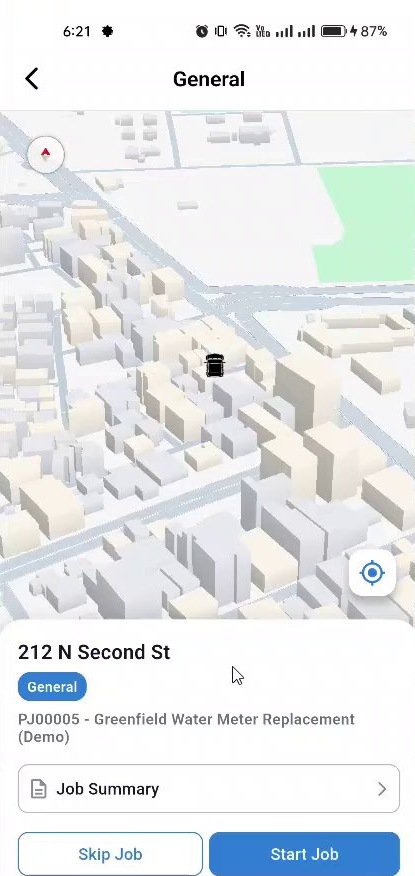
04 · CaptureForms that guide every step
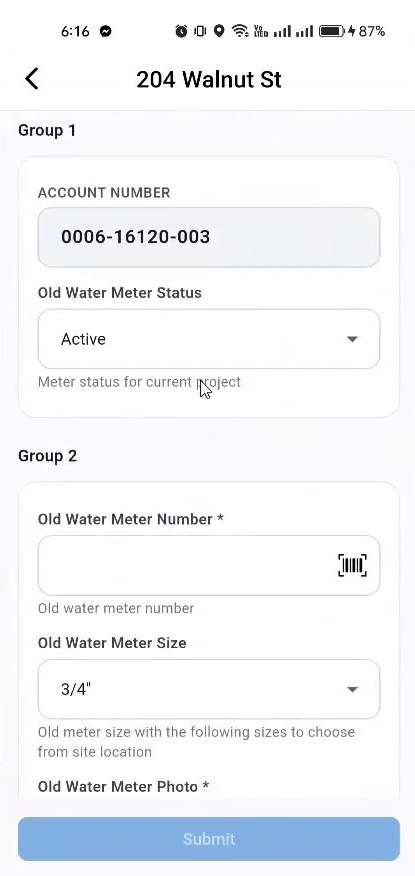
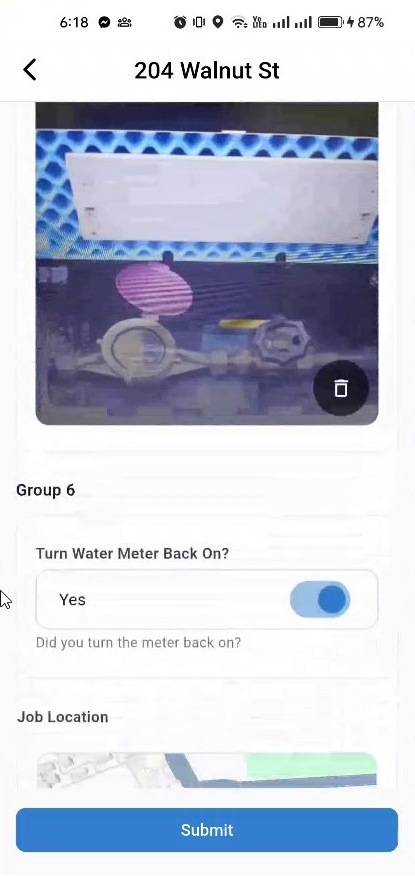
The project decides which fields appear at each stage, grouped step by step.
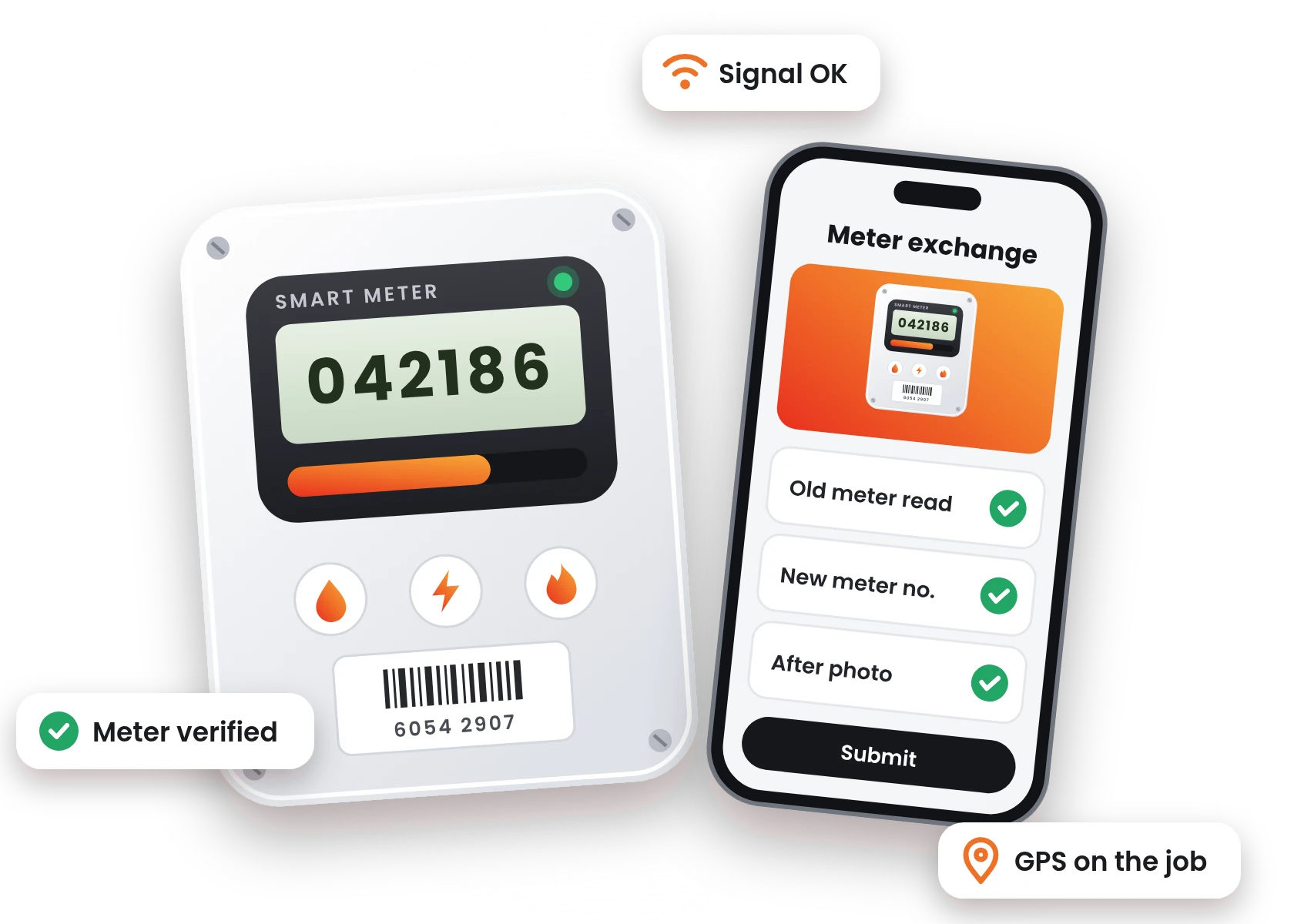
- Account and meter details pre-filled
- Barcode scan for meter numbers
- Last-4-digit meter check before submit
05 · ApproveNothing completes without QC
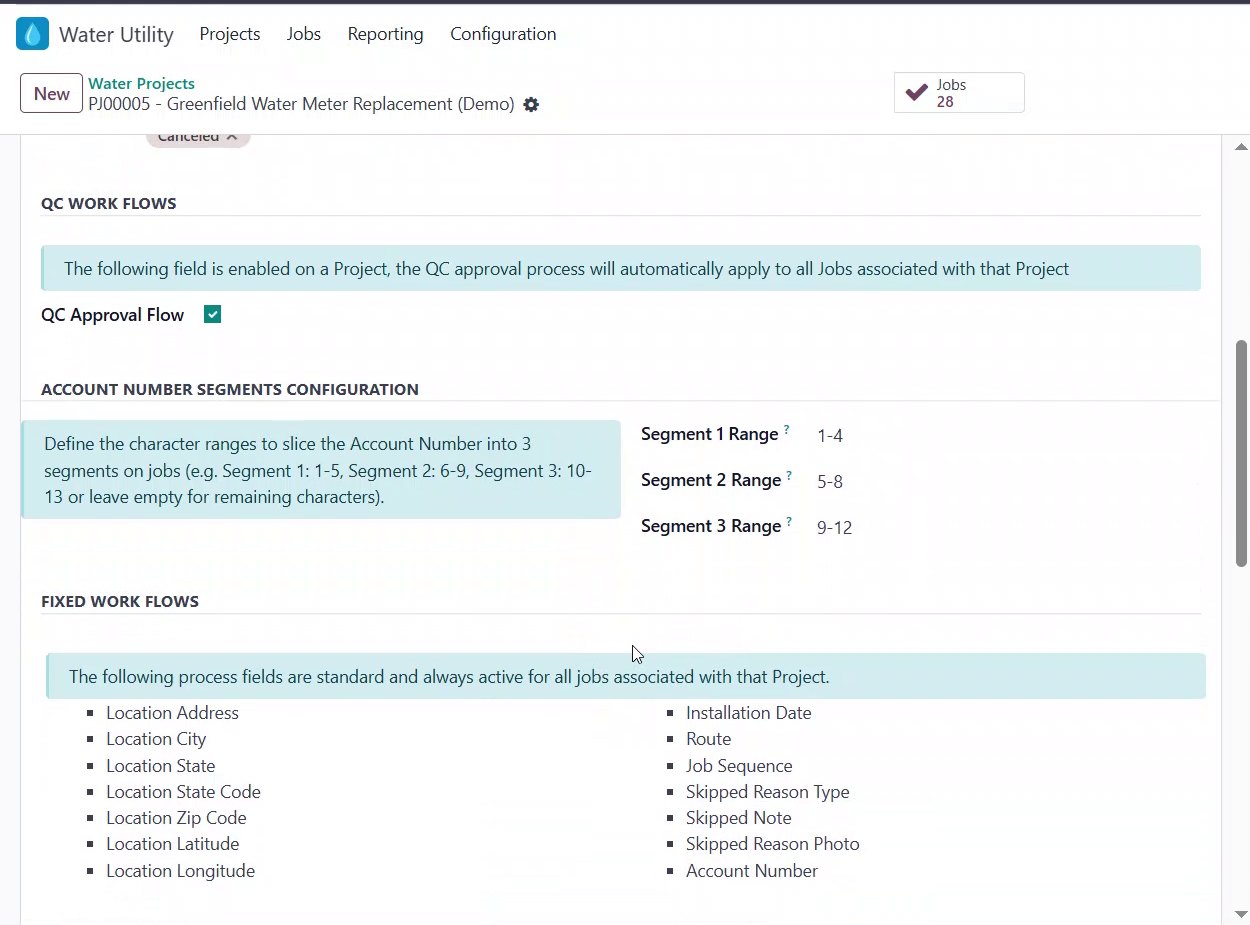
Turn on the QC approval flow for a project and every job passes QC Approved or QC Rejected before Completed.
- One switch per project
- Approve, reject or reassign
- Every decision logged on the job
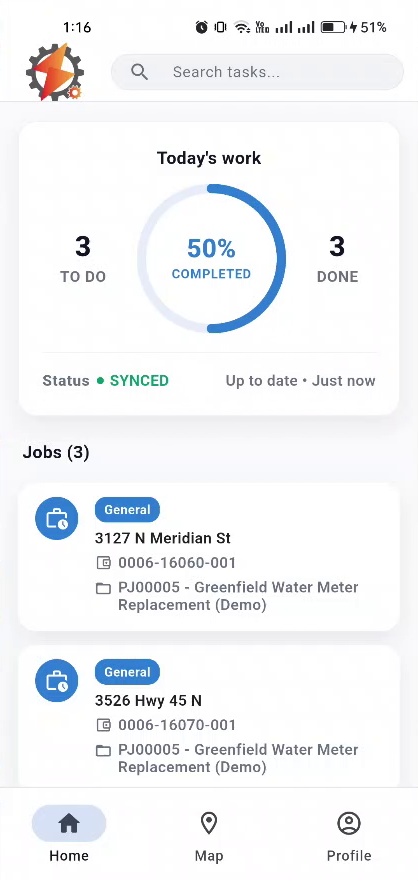
06 · TrackA control room in your pocket
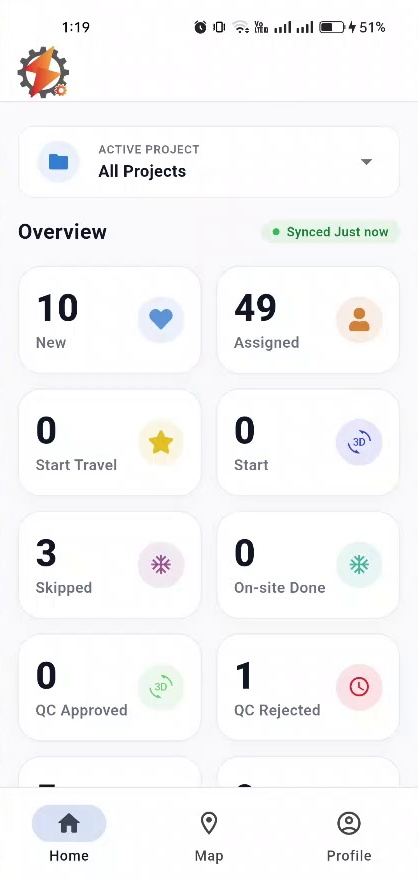
Project managers use the same app to follow and steer every project.
- Live stage counts for one project or all
- Search by account number, address or technician
- Bulk update technician, stage or planned date