
Home/Built for/Project managers
For project managers
Your control room,
in your pocket.
Live stage counts, quick search and bulk updates on the phone, with the full project in the back office.
How it works
See it, steer it,
report it.
One project or all projects, every utility together.
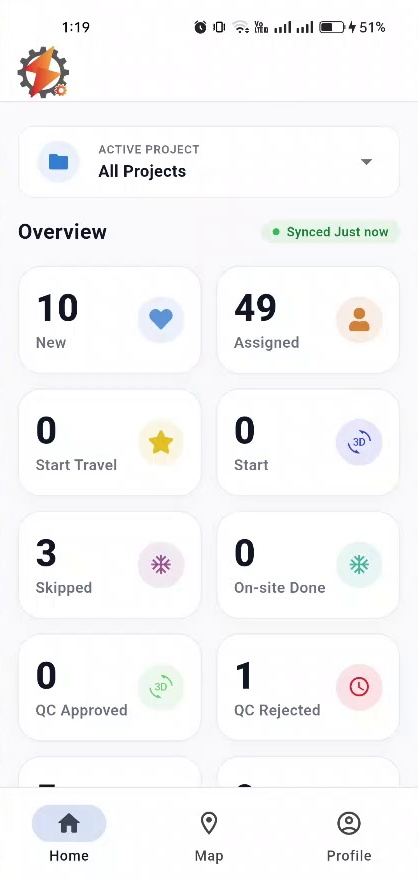
A control room in your pocket
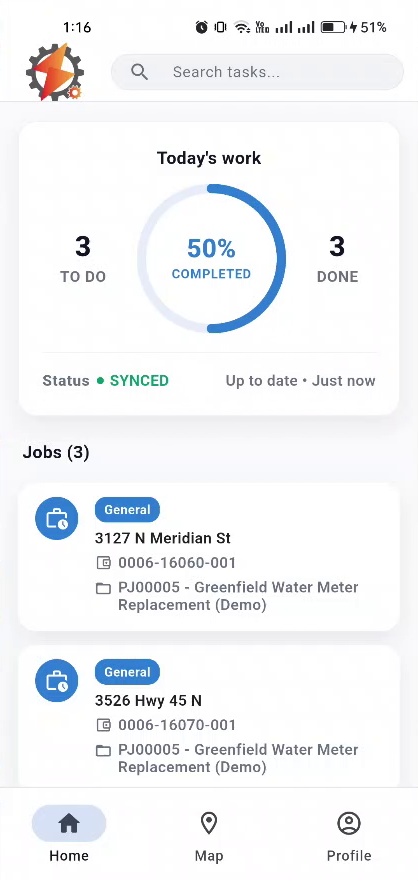
Project managers use the same app to follow and steer every project.
- Live stage counts for one project or all
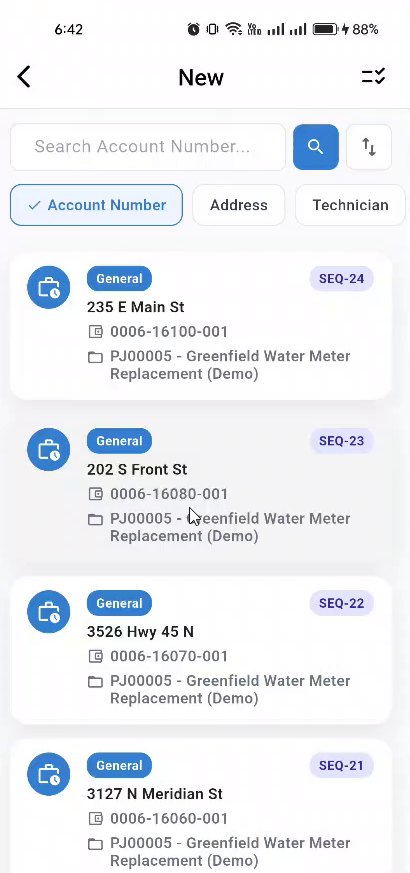
- Search by account number, address or technician
- Bulk update technician, stage or planned date
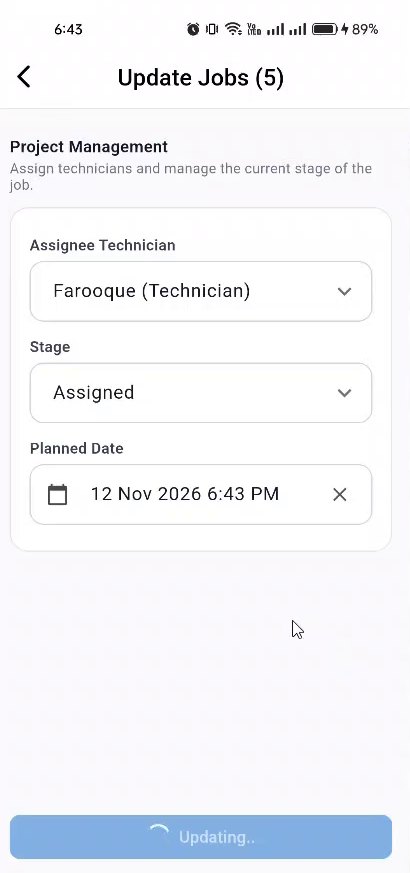
Change many jobs at once
Select jobs, then change the technician, stage or planned date together.
- Live stage counts for one project or all
- Search by account number, address or technician
- Bulk update technician, stage or planned date
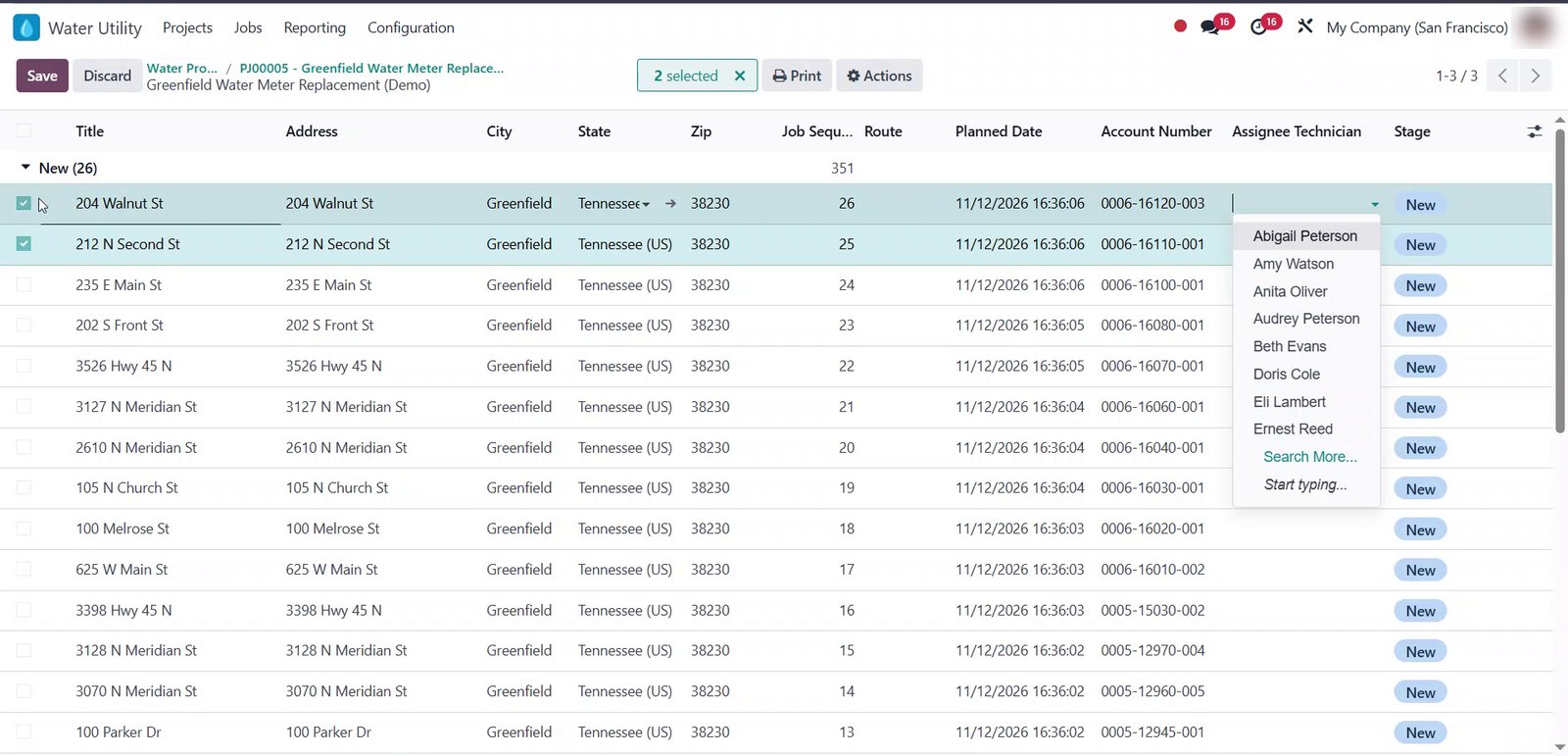
Assign many jobs at once
Select jobs in the list and set the technician, stage or planned date for all of them.
- Multi-select in the job list
- Technician, stage and planned date in one go
- The same from the manager app
Everyone hears about changes
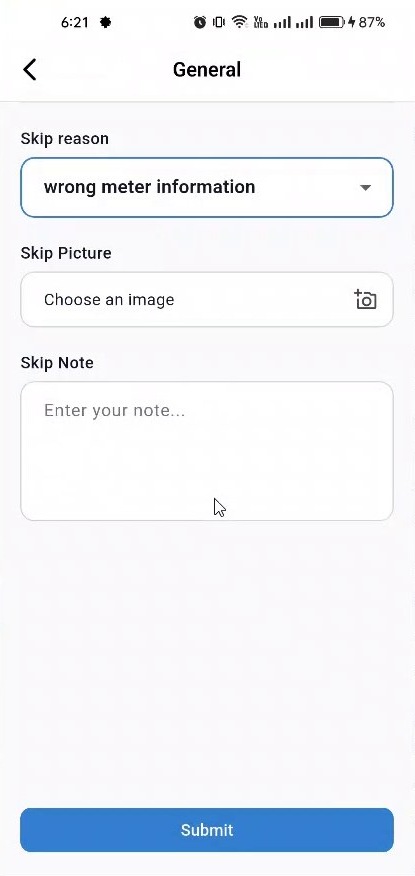
Technicians and managers get push notifications when jobs are assigned or skipped.
- Assigned jobs reach the technician right away
- Managers hear about skipped jobs
- Workflow actions logged on the job
One project per program
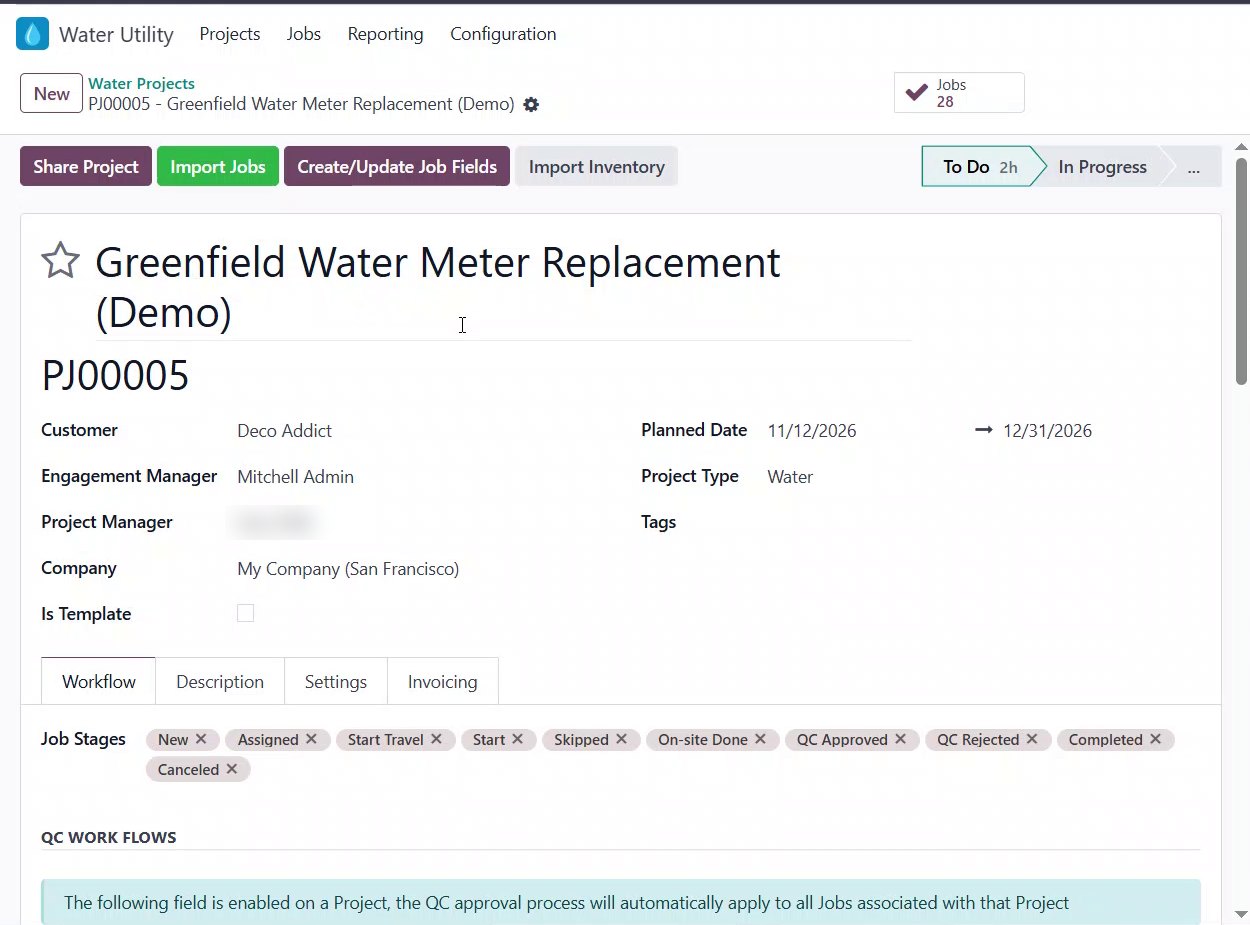
A project holds the customer, the planned dates, the job stages and the rules every job follows.
- Job stages from New to Completed, with QC Approved and QC Rejected
- Customer, managers and planned dates on one form
- Import jobs and assets, and share the project, from the same screen
The report your customer expects
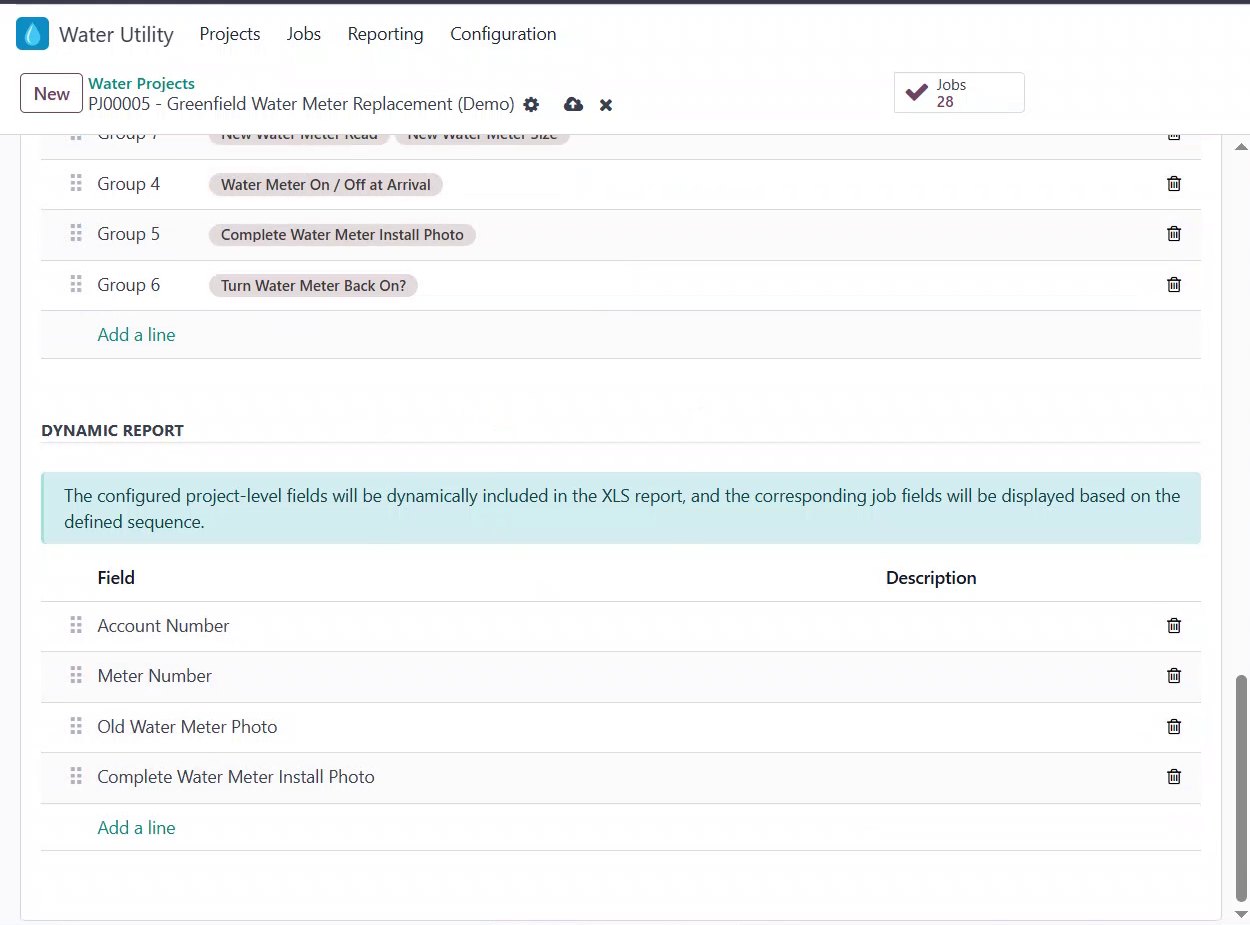
Choose which job fields go into the project XLS report and in which order.
- Report fields set per project
- Readings and photo fields included
- Same structure for every job
Questions
Questions and
answers.
Can I follow several projects at once?
Yes. The overview shows stage counts for one project or for all projects together.
How do I find a job quickly?
Search by account number, address or technician, and sort by sequence or account segment.
Do I hear about skipped jobs?
Yes. Managers are notified when a job is skipped, with the reason the crew gave.
Built for every utility
One platform.
Every utility.
Water, power, gas and renewable energy projects run on the same app and the same stages, each with its own fields.