
Home/Built for/Local governments
Local governments
Public infrastructure,
kept in order.
Cities and municipal utilities run meter programs, inspections and maintenance jobs with their own crews or contractors, and keep the full record.
How it works
From work order
to public record.
Every job keeps its photos, readings, GPS and history.
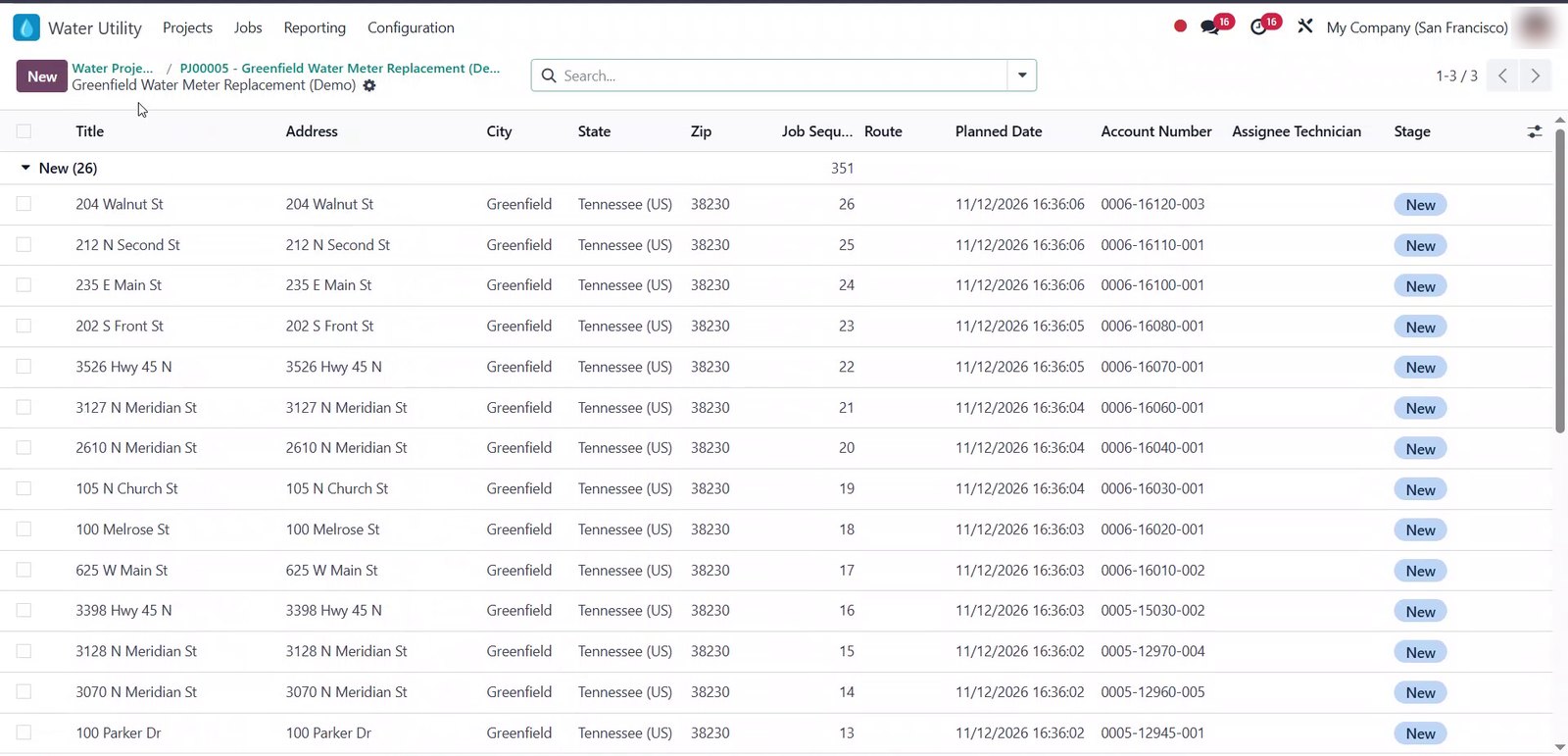
One project per program
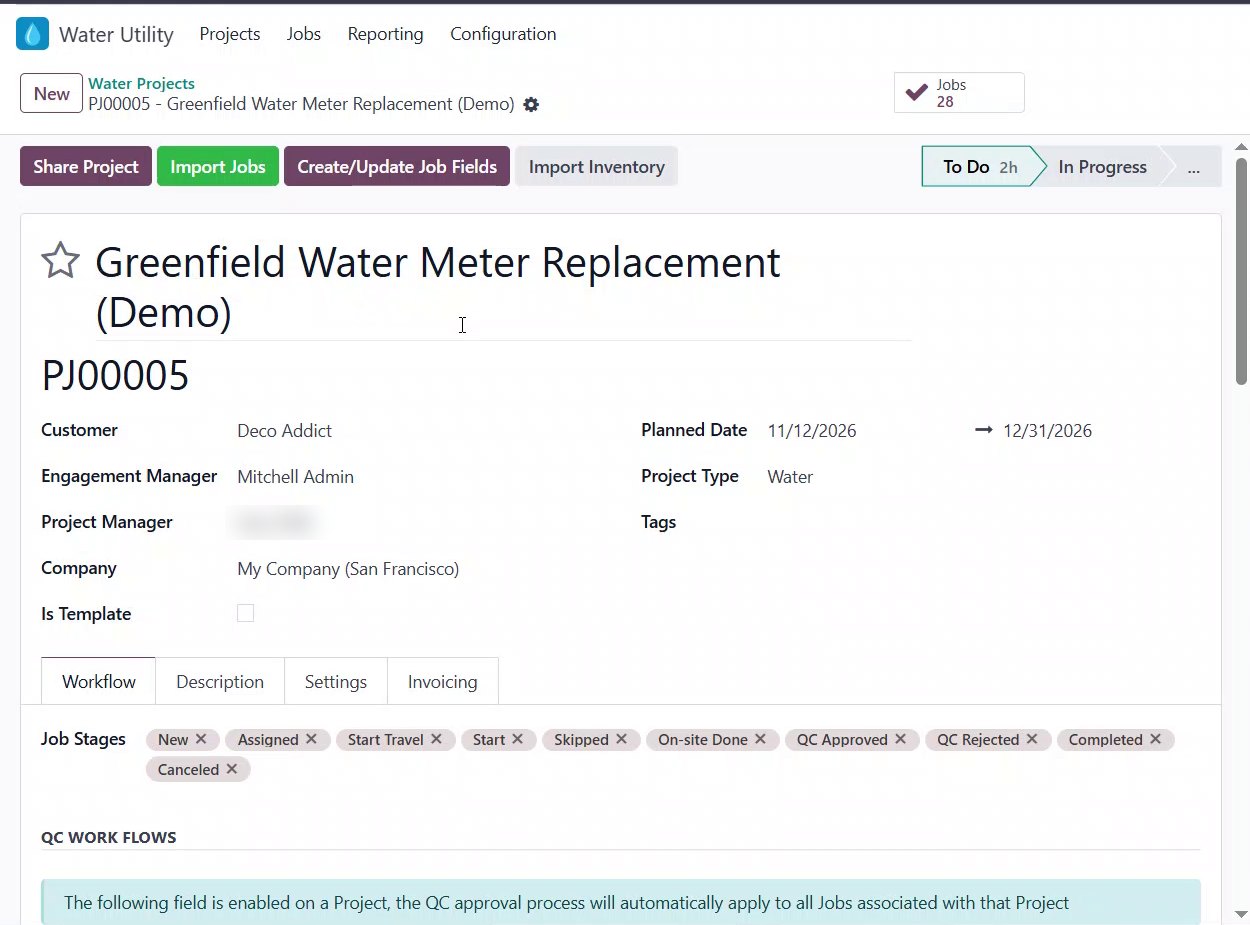
A project holds the customer, the planned dates, the job stages and the rules every job follows.
- Job stages from New to Completed, with QC Approved and QC Rejected
- Customer, managers and planned dates on one form
- Import jobs and assets, and share the project, from the same screen
Import jobs and assets in bulk
Upload a spreadsheet of jobs or assets, map the columns, test, then import. Problems are caught before anything is created.
- Whole job lists and asset lists from Excel
- Map spreadsheet columns to job and asset fields
- Duplicates and missing dates are caught first
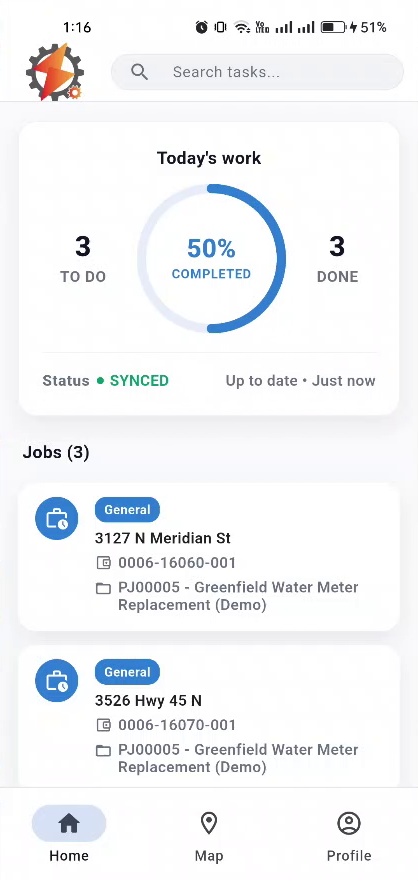
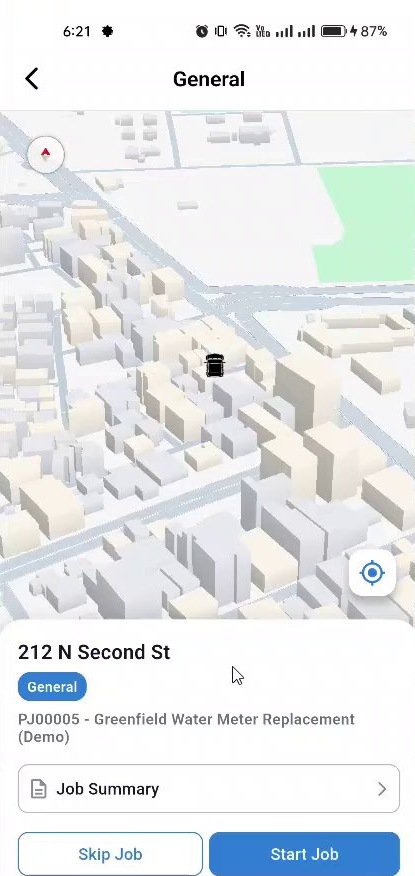
Start the day with your own jobs
Technicians sign in and see the work assigned to them, nothing else.
- Progress ring with to-do and done counts
- Only the jobs assigned to you
- Syncs as soon as there is signal
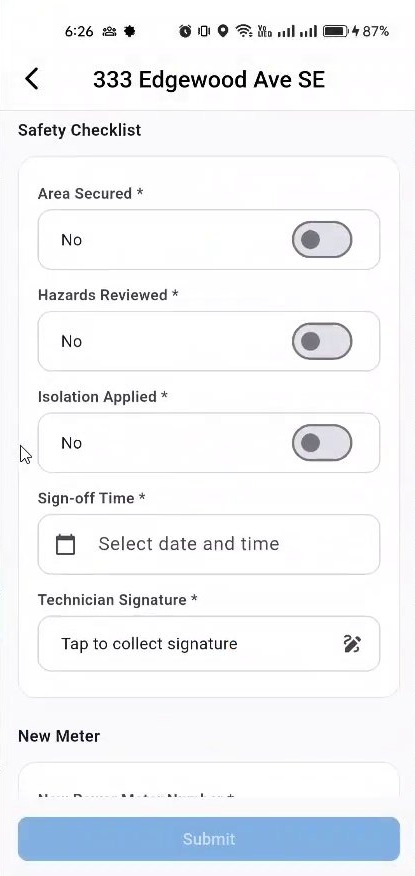
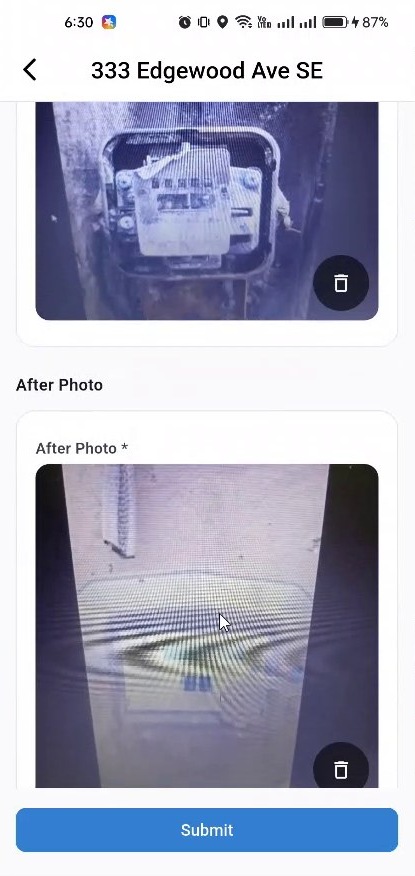
Inspections with proof
Checklists, signatures and photos for every inspection.
- Area secured, hazards reviewed, isolation applied
- Technician signature and sign-off time
- SOS closing with the crew's GPS location
Every job, fully traceable
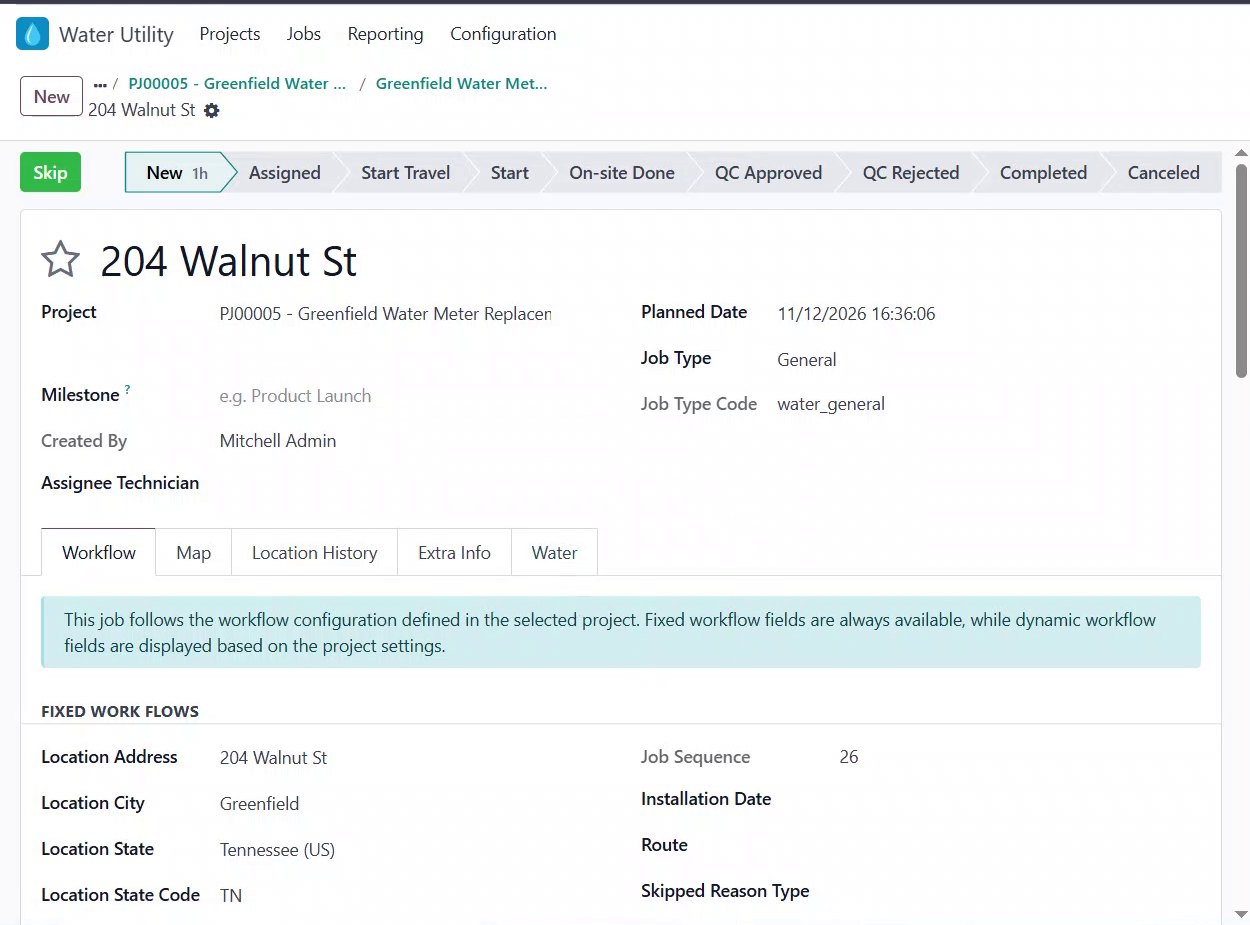
Each job shows its stage, the fixed fields, the project fields and the full history of changes.
- Stage bar from New to Completed, with Skip
- Workflow, map and location history tabs
- Every change logged on the job
The report your customer expects
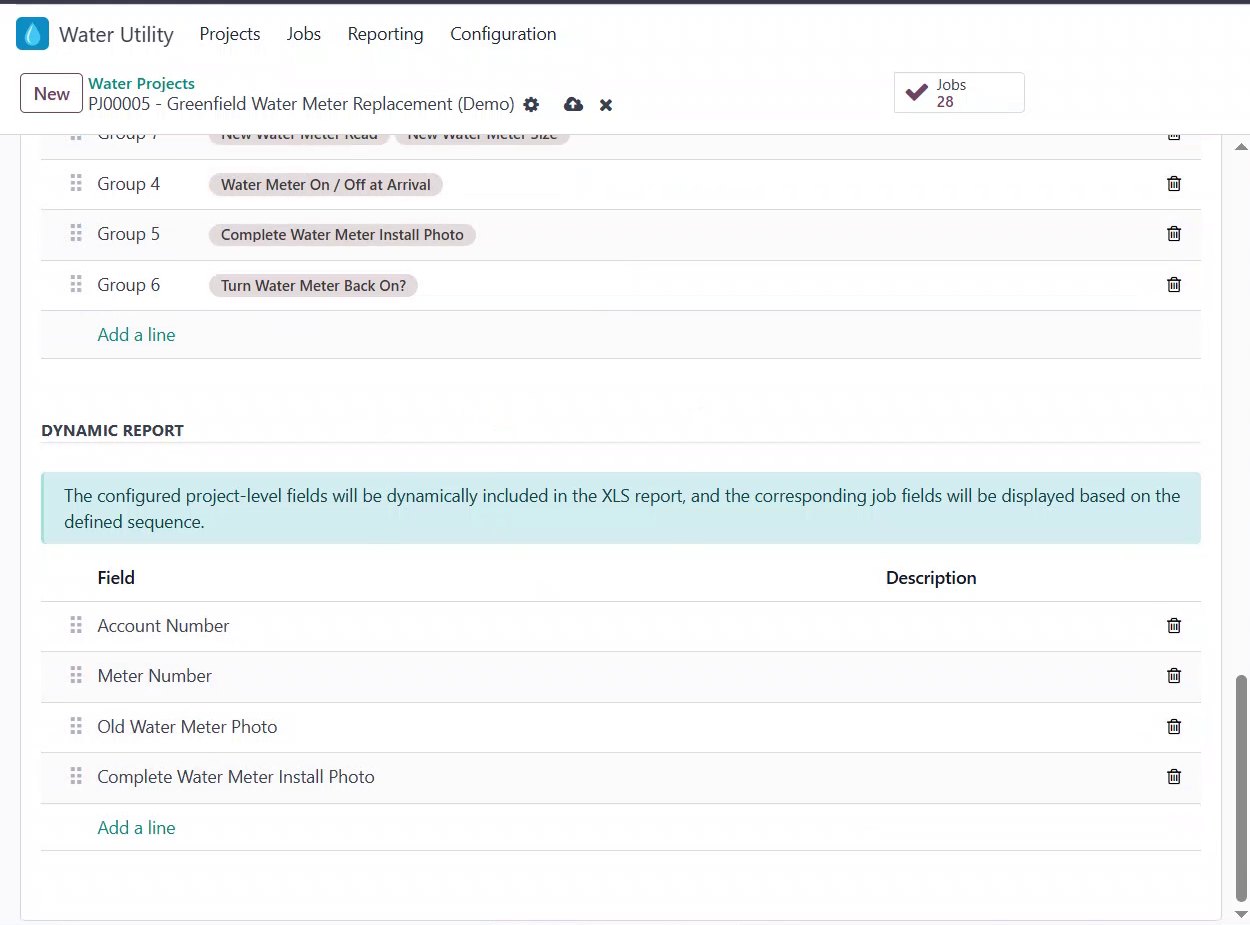
Choose which job fields go into the project XLS report and in which order.
- Report fields set per project
- Readings and photo fields included
- Same structure for every job
Built for every utility
One platform.
Every utility.
Water, power, gas and renewable energy projects run on the same app and the same stages, each with its own fields.